

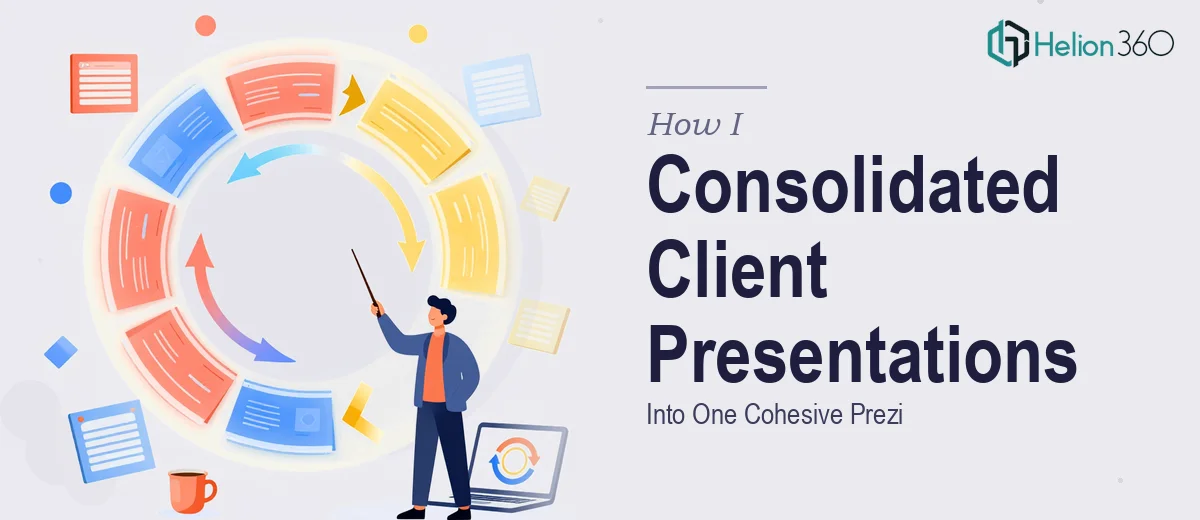
The Situation and What Was at Stake
I had a problem that looked deceptively simple on the surface: multiple PowerPoint presentations built for different client types, all needing to come together as one unified Prezi. Each deck had its own structure, its own visual language, and its own tone. Some were data-heavy with timelines and charts. Others were narrative-driven with distinct brand personalities baked in.
The stakes were real. The consolidated presentation was meant to serve as a single, navigable experience for a cross-client audience — and if the result felt patchy, inconsistent, or hard to follow, the credibility of the whole thing would take a hit. This wasn't a formatting task. It was a content architecture and design challenge with a deadline attached, and I knew immediately it needed to be done right.
What I Found the Solution Actually Required
Once I looked at the scope honestly, it became clear this was not a weekend project. Consolidating PowerPoint presentations into Prezi isn't just an export-and-import exercise. The two formats are fundamentally different in how they communicate — PowerPoint is linear, slide-by-slide; Prezi operates on a spatial canvas where the flow, zoom logic, and grouping of content has to be deliberately architected.
Three things stood out as genuinely complex. First, the source material came from different client contexts, meaning the information hierarchy and terminology weren't consistent — that had to be resolved before a single frame of Prezi was touched. Second, data visualizations built for a flat slide didn't translate directly to a zooming canvas without rethinking how they were sized, labeled, and grouped. Third, interactive features — timelines, clickable pathways, nested views — required platform-specific knowledge that goes well beyond general design skills. Prezi has its own logic for how audiences navigate a presentation, and getting that wrong produces a disorienting experience, not an engaging one.
What the Work Actually Involves
The right approach starts with a content audit across all source presentations. That means mapping every slide against a unified outline, identifying what's redundant, what's contradictory, and what's genuinely unique to each client context. A practitioner working through this step is typically building a master content matrix — grouping slides by theme, stripping out duplicate messaging, and flagging tone inconsistencies that need editorial resolution before the visual work begins. This phase alone, done properly across a multi-deck consolidation, takes significant time, and skipping it guarantees a Prezi that feels like several presentations stitched together rather than one cohesive story.
Visual mechanics in Prezi require a fundamentally different spatial logic than PowerPoint. The canvas isn't a grid of equal-sized slides — it's a zoomable plane where proximity, scale, and grouping carry meaning. The decision a practitioner makes here involves assigning each content cluster a defined spatial zone, then setting zoom levels and transition paths that feel intentional to the viewer. Typography rules still apply — a working hierarchy typically uses no more than three type sizes across the canvas — but the challenge is maintaining legibility at multiple zoom depths simultaneously. Charts and data visualizations need to be rebuilt or reformatted to hold up at both macro and micro zoom states, which often means simplifying them considerably from their original PowerPoint versions.
Polish and consistency across a multi-source consolidation is where most DIY attempts break down. When source material comes from different client presentations, each with its own palette, icon style, and visual weight, the consolidation process must enforce a single design system on top of all of it. That typically means establishing a master color palette of no more than four brand-aligned colors, standardizing icon families, and ensuring that every element — frame borders, annotation styles, connector lines — follows the same visual rules throughout. This discipline has to be applied retroactively across content that was never designed with a unified system in mind, and that is where the hours compound quickly for anyone who doesn't already have a repeatable process for it.
Why I Brought in Helion360 to Handle It
I looked at the scope — source auditing across multiple decks, spatial canvas architecture, visual system enforcement, interactive pathway design — and made a straightforward decision. This wasn't something to attempt myself over a few evenings with a Prezi trial account. The learning curve alone would have taken longer than the actual deadline allowed.
Helion360 handled the full project end-to-end. That meant the content audit and master outline mapping, the full Prezi canvas build with proper zoom logic and navigation paths, and the visual consolidation work that made all the source material feel like it came from one cohesive presentation rather than several. The turnaround was fast — done in days, not weeks — which was exactly what I needed. The team already had the tooling, the process, and the platform expertise built in. There was no ramp-up time on my side, no back-and-forth on basics, just a clean brief and a delivered result.
The Outcome and What I'd Tell Anyone in My Spot
What came back was a single, well-structured Prezi that held together visually and narratively across all the original client contexts. The content flowed logically, the data visualizations were legible at every zoom level, and the interactive pathways gave the audience genuine control over how they moved through the material. The consolidation that had looked like a sprawling, multi-week problem got resolved into something presentable and professional.
If you're looking at a similar consolidation challenge — multiple source decks, different client tones, a format migration that requires real platform knowledge — and you want it handled end-to-end without the weeks of learning curve, Helion360 is the team I'd engage. They delivered fast and brought the kind of execution depth this work genuinely requires.