30Jul
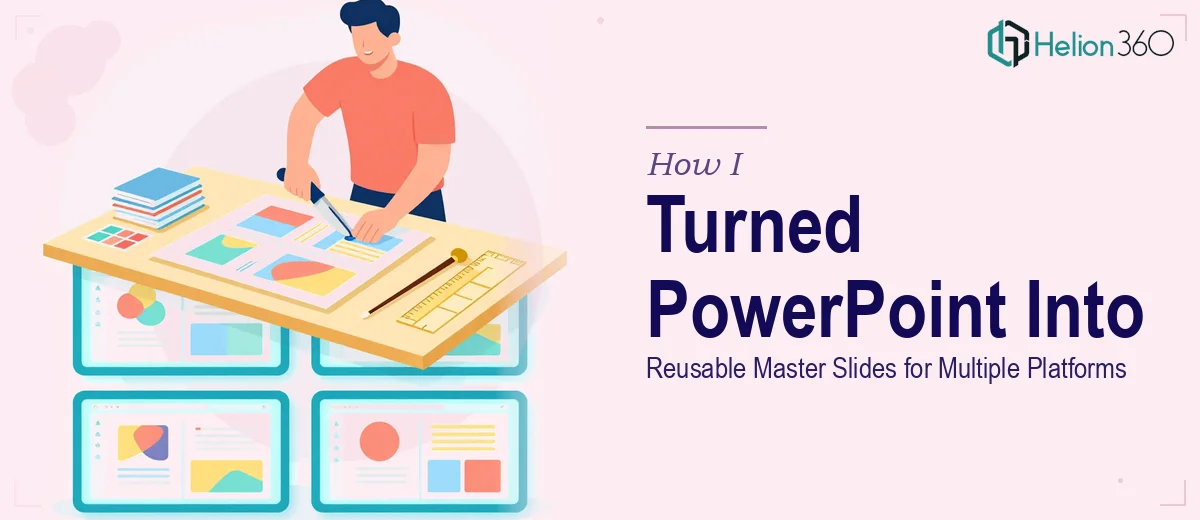
How I Turned a PowerPoint Deck Into Reusable Master Slides for Multiple Platforms
Learn how to convert a one-off PowerPoint deck into a scalable master slide system that works across web, social media, and brand presentations.
Read More

Presentation design, digital marketing & market research for businesses worldwide.
Loading blog…
Learn how to convert a one-off PowerPoint deck into a scalable master slide system that works across web, social media, and brand presentations.
Read More
Learn how to transform static PowerPoint slides into an interactive customer journey with real techniques, structures, and design decisions that actually work.
Read More
Learn how to convert PowerPoint slides into a compelling explainer video for tech audiences — tools, structure, pacing, and common pitfalls covered.
Read More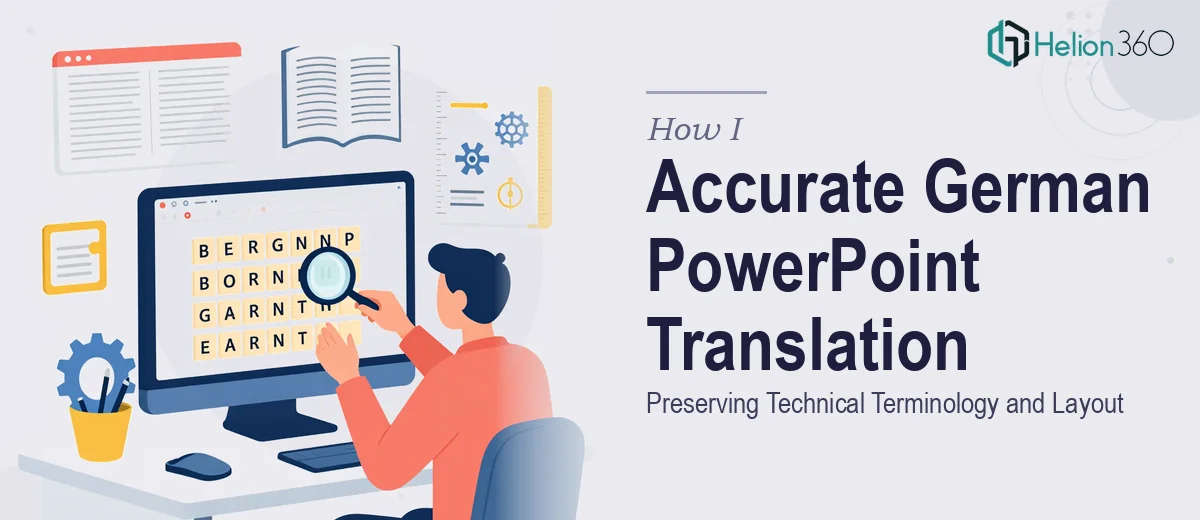
Learn how to translate a German PowerPoint accurately while preserving technical terminology, slide layout, and visual consistency throughout every slide.
Read More
Learn how to design a cohesive visual campaign across social media, promotional banners, and internal documentation — with real specs and practical guidance.
Read More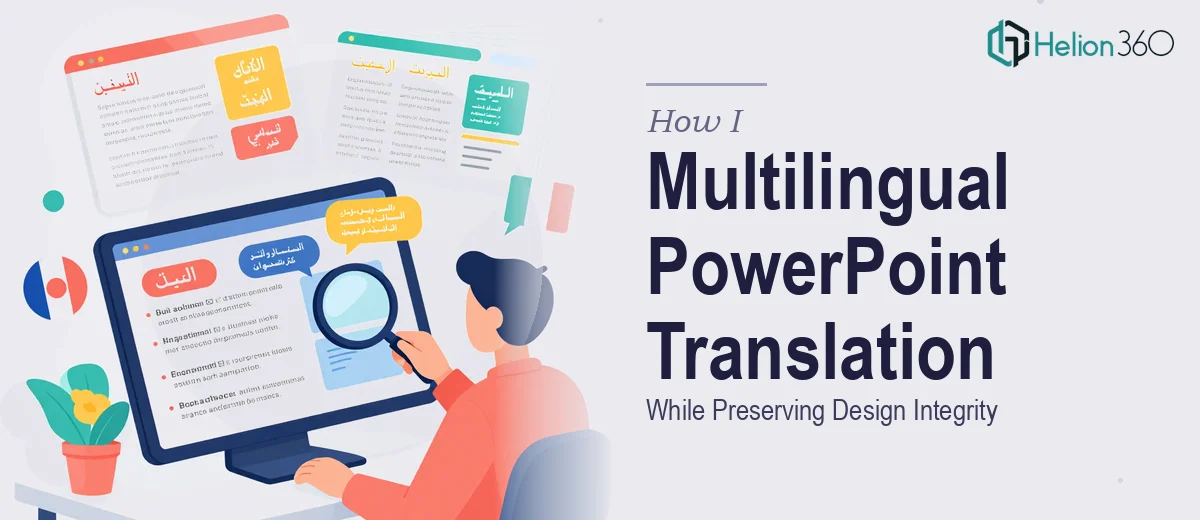
Learn how to translate a PowerPoint presentation into multiple languages while keeping layouts, fonts, and visual design fully intact across every slide.
Read More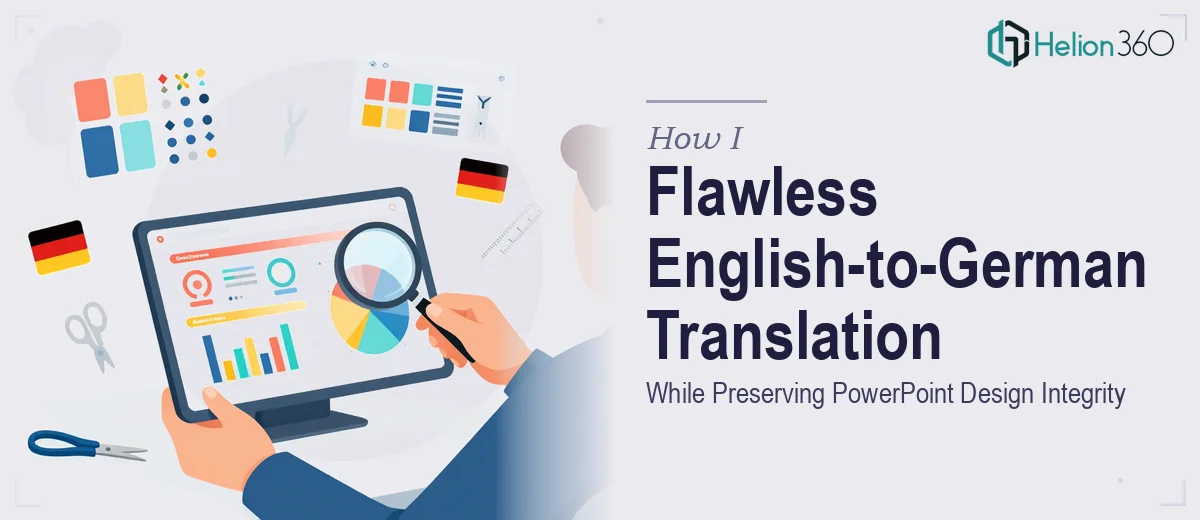
Learn how to translate a PowerPoint from English to German without breaking layouts, text boxes, or visual hierarchy. A practical guide for precise results.
Read More
Learn how to translate a PowerPoint from English to French while preserving layout, typography, and design integrity. A practical guide for clean results.
Read More
Learn how to execute a multilingual PowerPoint translation for a sustainable brand — covering layout, typography, RTL text, and consistency across languages.
Read More
Learn how to combine two images into a single professional PowerPoint slide layout with the right techniques, grid logic, and visual hierarchy.
Read More